#0505 Trio Linker Plus Q & A
Q1. What is #0505 Trio Linker
Plus?
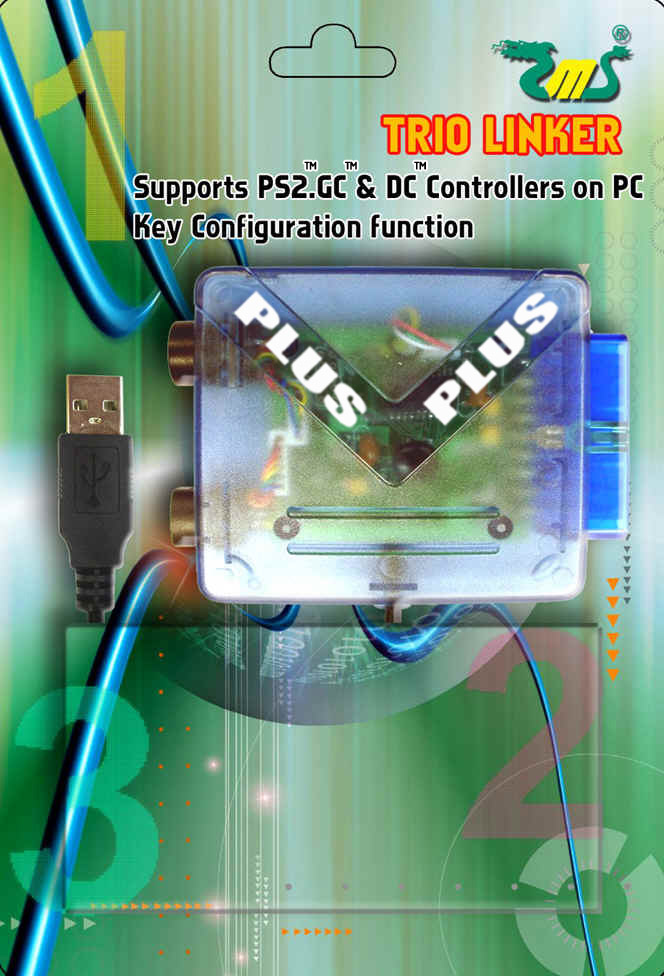
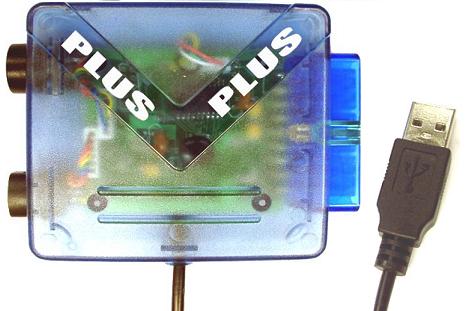
A) #0505 Trio Linker Plus is an adaptor to
connect PS2™, GC™ & DC™ controllers to PC and PS3™.
Q2.What is the difference between #0505 Trio Linker
Plus
and #0403 Trio linker?
A) The main difference is that #0505 Trio Linker Plus can support DC™ Arcade stick, DC™ Twin
stick and DC™ Steering wheel.
Q3.When two controllers are plugged into the #0505
Trio Linker Plus, why does the computer only detect one?
A) #0505 Trio Linker Plus could only support one controller at the same
time. Therefore it will
only detect the first plugged one.
Q4.Why isn't there any vibration on computer when I
add the official vibration pack to the DC™ controller?
A) #0505 Trio Linker Plus does not support DC™ controller vibration pack.
However, it does support vibration for PS™ & GC™ controllers.
Q5.I
have followed the installation procedure but my computer still shows "unknown
device", why?
A) It might be the USB port that is
causing the problem. Please disconnect the #0505 Trio Linker Plus from computer, restart
computer and try again with another USB port. If the situation remains the same,
please kindly test it on another computer.
Q6.The Macro I have recorded
with the Macro Editor cannot be replayed
100% accurately, why ?
A) The Hardware resource usage percentage would affect the running speed of
the game. In order words, the more programs running in the background, the
slower the game is running. Therefore, during record and replay, if the
Hardware resource usage percentage is different, the running speed of the
game would be different and therefore the recorded Macro cannot be replayed
100% accurately. We recommend users to turn off other programs to release
Hardware resources, so that the record and replay of the Macro can be more
accurate.
Q7.Does #0505 Trio Linker Plus
supports wireless controllers ?
A) We have tested some common wireless controllers in the market, and the
list below are proved to be compatible with our #0505 Trio Linker Plus. For those
wireless controllers not in the list, we have not tested them yet.
-
Pelican™ G3 Wireless and G3 Wireless Pro PL-7008
-
Hori™ Wireless Anashin 2
-
Pelican Predator™ Wireless PL-649
-
LogiTech™ Cordless Action
-
PS2™ Wireless Controller
Q8.I have just brought a Trio
Linker, would you please replace my Trio Linker with a #0505 Trio Linker
Plus?
A) The postage for replacement is too expensive, which is not worth at all.
We would recommend you to buy a new #0505 Trio Linker Plus.
Q9.Is #0505 Trio Linker Plus
compatible with
PS3™?
A) Yes, PS3™ games are
supported, but PS3™ firmware must be updated
email : sales@hkems.com
Designated trademarks and brands are the property of their respective owners.
#0505 Trio Linker Plus is our in-house designed product.